Open in Google ColabRun this notebook interactively
Defining a simple augmentation pipeline for image augmentation
This example shows how you can use Albumentations to define a simple augmentation pipeline.
Import the required libraries
import albumentations as A
import cv2
from matplotlib import pyplot as plt
Define the visualization function
def visualize(image):
    plt.figure(figsize=(10, 10))
    plt.axis("off")
    plt.imshow(image)
Read the image from the disk and convert it from the BGR color space to the RGB color space
For historical reasons, OpenCV reads an image in BGR format (so color channels of the image have the following order: Blue, Green, Red). Albumentations uses the most common and popular RGB image format. So when using OpenCV, we need to convert the image format to RGB explicitly.
image = cv2.imread("images/image_3.jpg", cv2.IMREAD_COLOR_RGB)
visualize(image)
No code provided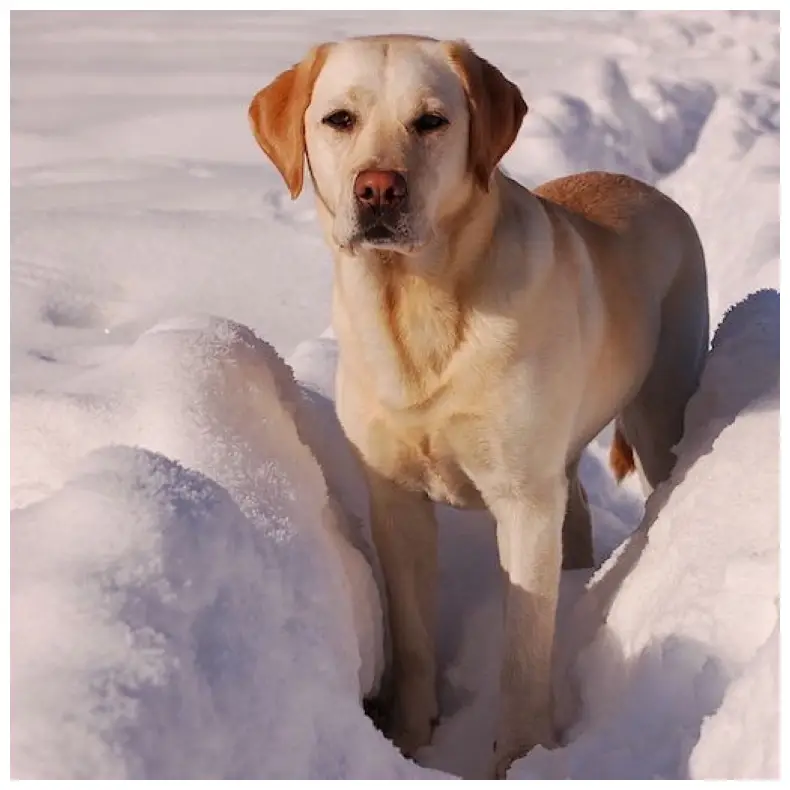
No code providedDefine a single augmentation, pass the image to it and receive the augmented image
We fix the random seed for visualization purposes, so the augmentation will always produce the same result. In a real computer vision pipeline, you shouldn't fix the random seed before applying a transform to the image because, in that case, the pipeline will always output the same image. The purpose of image augmentation is to use different transformations each time.
transform = A.HorizontalFlip(p=0.5)
transform.set_random_seed(137)

augmented_image = transform(image=image)["image"]
visualize(augmented_image)
No code provided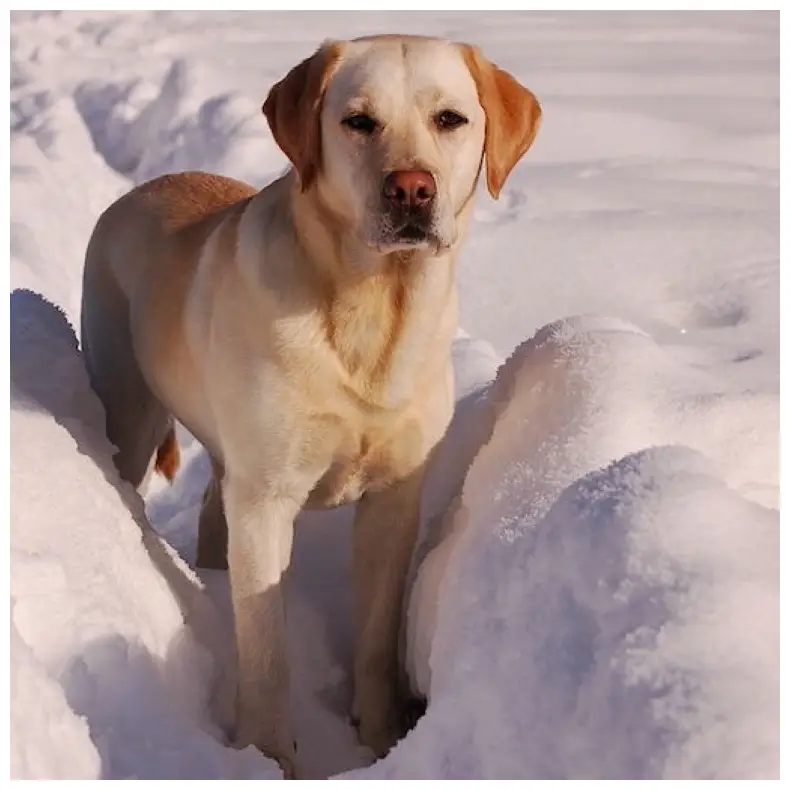
No code providedtransform = A.Affine(p=0.5, scale=0.8, shear=5, translate_percent=0.1, rotate=20)
transform.set_random_seed(137)
augmented_image = transform(image=image)["image"]
visualize(augmented_image)
No code provided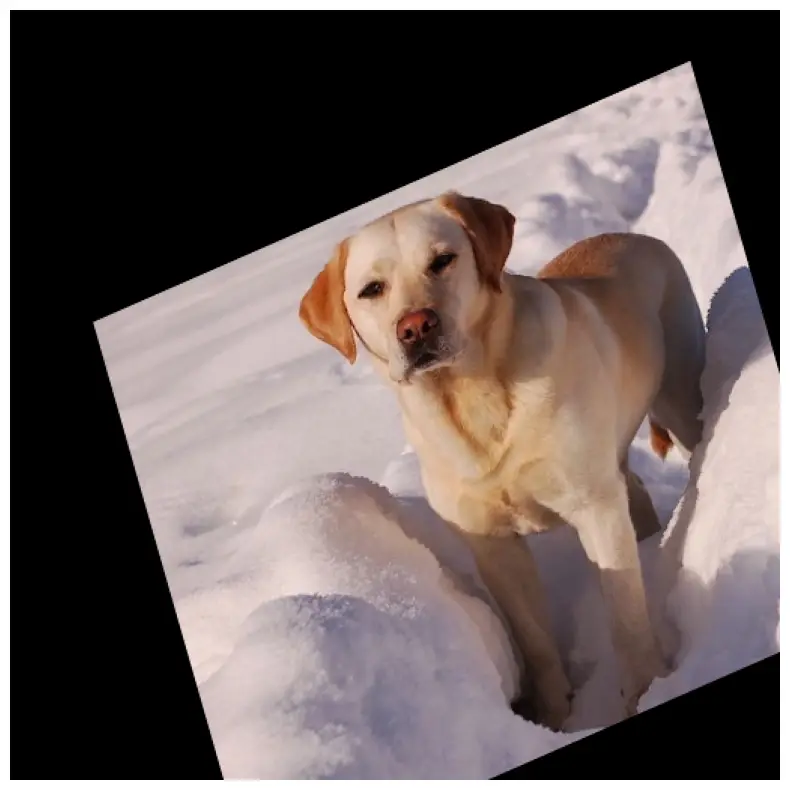
No code providedDefine an augmentation pipeline using Compose, pass the image to it and receive the augmented image
transform = A.Compose(
    [
        A.CLAHE(),
        A.RandomRotate90(),
        A.Transpose(),
        A.Affine(rotate=20, scale=0.8, shear=5, translate_percent=0.1, p=1),
        A.Blur(blur_limit=3),
        A.OpticalDistortion(),
        A.GridDistortion(),
        A.HueSaturationValue(),
    ],
    strict=True,
    seed=137,
)

augmented_image = transform(image=image)["image"]
visualize(augmented_image)
No code provided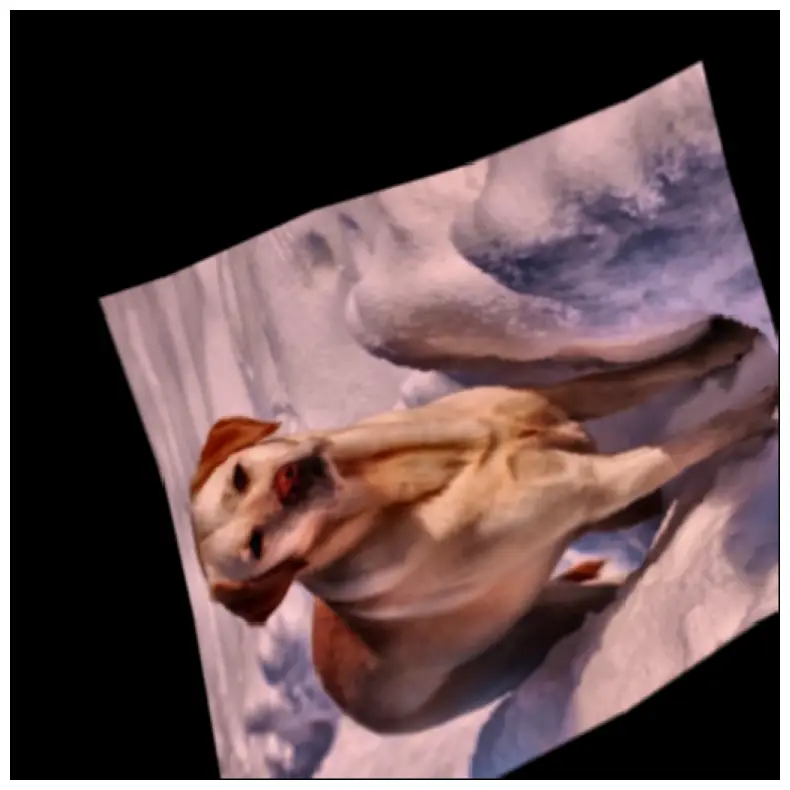
No code providedtransform = A.Compose(
[
A.RandomRotate90(),
A.Transpose(),
A.GaussNoise(),
A.OneOf(
[
A.MotionBlur(p=0.2),
A.MedianBlur(blur_limit=3, p=0.1),
A.Blur(blur_limit=3, p=0.1),
],
p=0.2,
),
A.Affine(rotate=20, scale=0.8, shear=5, translate_percent=0.1, p=0.2),
A.OneOf(
[
A.OpticalDistortion(p=0.3),
A.GridDistortion(p=0.1),
],
p=0.2,
),
A.OneOf(
[
A.CLAHE(clip_limit=2),
A.RandomBrightnessContrast(),
],
p=0.3,
),
A.HueSaturationValue(p=0.3),
],
strict=True,
seed=137,
)
augmented_image = transform(image=image)["image"]
visualize(augmented_image)
No code provided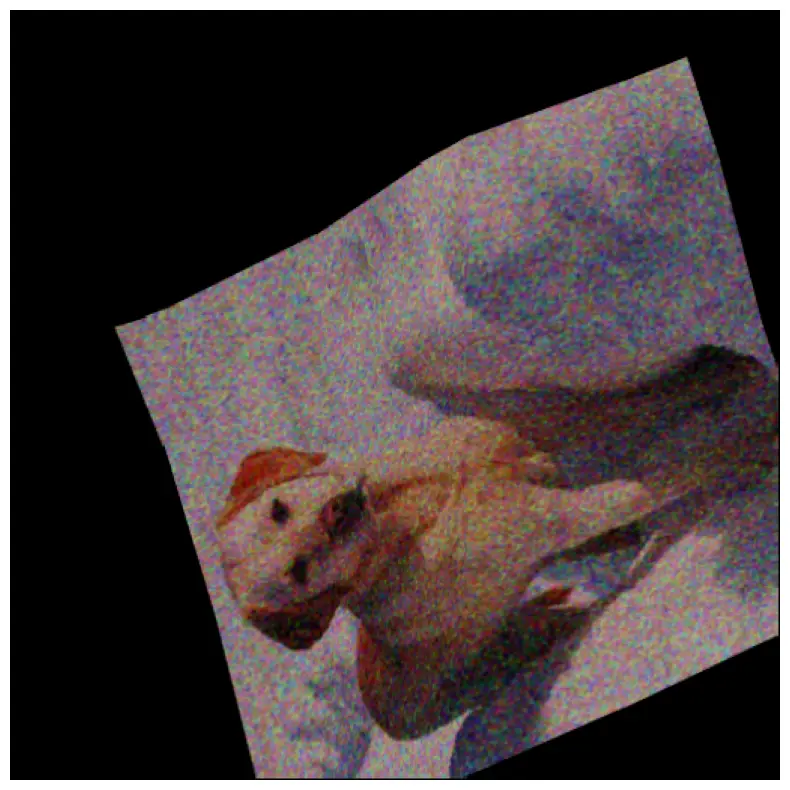
No code provided